

Team
Invite teammates to your organization, assign each a role, and manage or revoke access from the portal.
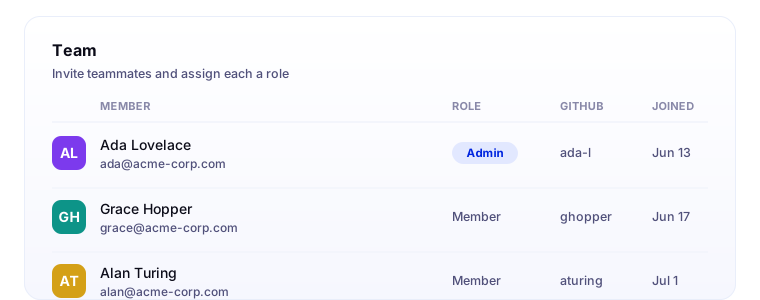
Your team is the people in your organization. From the Team screen in the portal, admins invite them by email, assign a role, and manage their access.
Roles
Every member has one of two roles:
- Admin: can manage organization settings, the team, integrations, and repository configuration.
- Member: can use CodeLantern day to day.
Your organization always keeps at least one admin, so you cannot remove or demote the last one.
Inviting teammates
- Sign in at portal.codelantern.ai and select your organization.
- Go to Team.
- Enter a teammate's email address, choose their role, and send the invite.
The recipient opens the invitation and signs in with the email address it was sent to. If the invitation expires, send a new one. If the email does not match, the recipient can sign out and use the invited address, or ask you to send an invitation to the correct address.
Once they accept, they are part of your organization. They still need to connect their own provider accounts and set up their coding environment. Send them to Developer Setup.
You can change a member's role or revoke their access from the Team screen. Organization membership does not grant access to repositories or projects in an external provider; those permissions are managed in that provider.